Voice teleprompter for iPhone · iPad · Mac
The teleprompter that follows your voice.
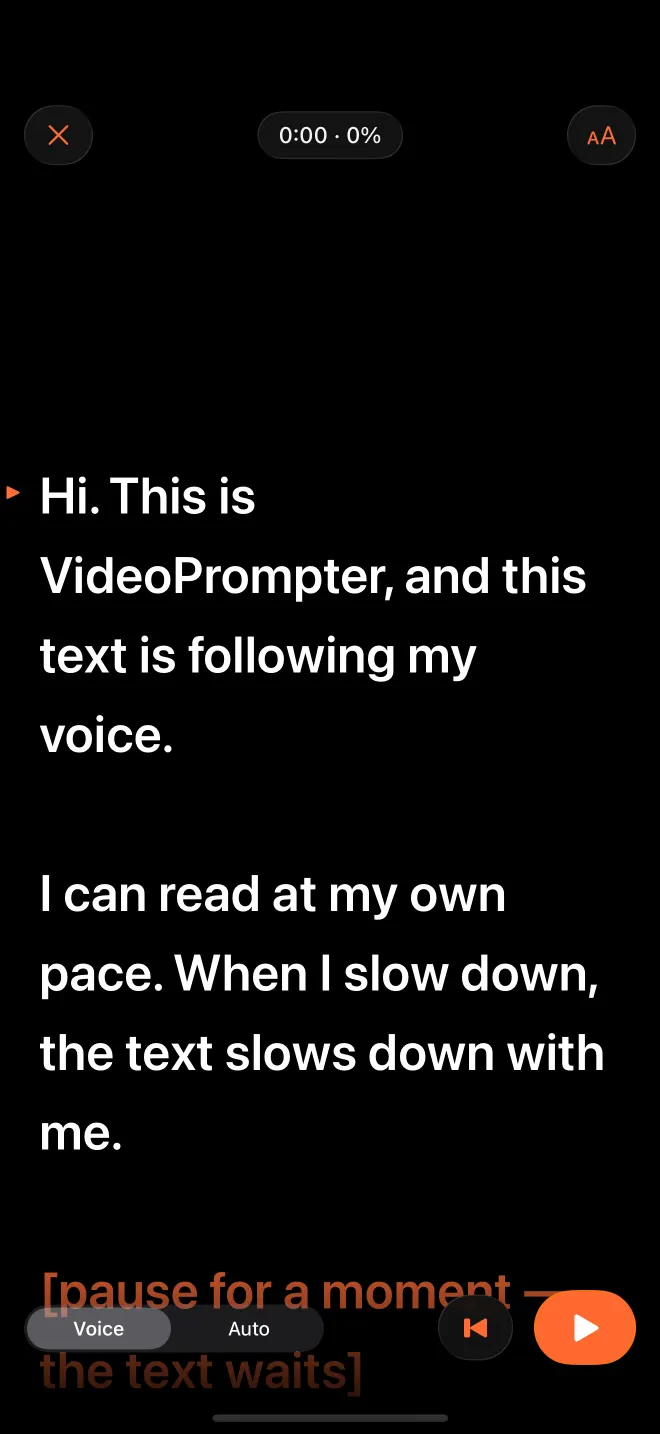
Read at your own pace. The script moves word by word as you speak, stops when you stop, waits while you ad-lib and finds your place after a skipped line. Recognised on your device, in 33 languages.
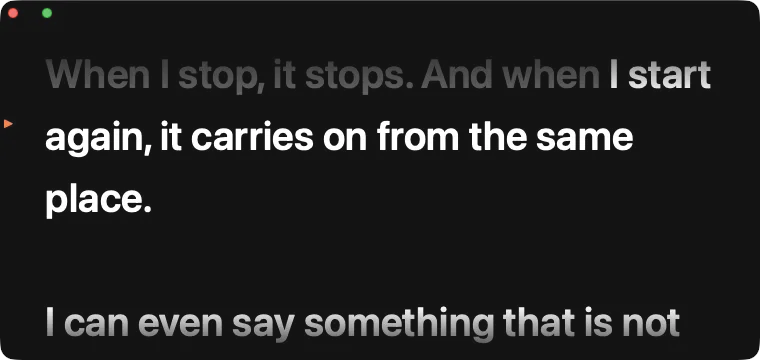
Grey: already read · white: next · orange: a note it never waits for
Why not just auto-scroll?
A fixed speed makes you chase the text. Voice follow makes the text follow you.
The text moves only on words it hears from your script. Pause and it holds; ad-lib and it waits; skip a line and it catches up. How voice follow works.
The text keeps going while you breathe, and you lose your line.
It holds when you hold, and carries on when you do.
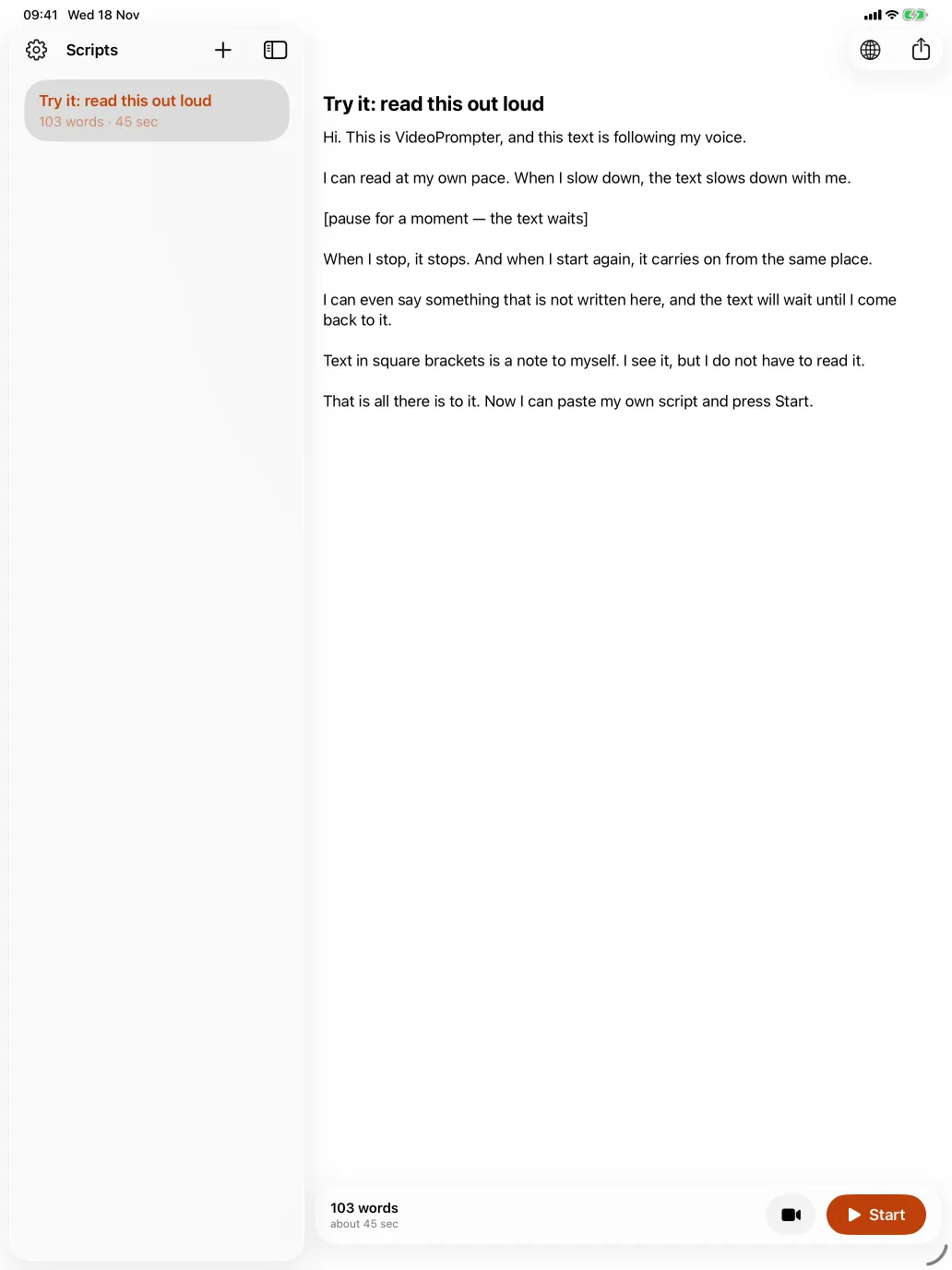
One script, three screens.
iPhone, iPad and Mac with iOS 26, iPadOS 26 or macOS 26. One subscription covers all three.
Choosing a teleprompter? Start here.
All guides →Private by design
Your voice never leaves the device.
Your voice is turned into words by Apple's speech recognition on your iPhone, iPad or Mac, compared with your script and discarded. Scripts stay in the app. No account, no analytics; the App Store privacy label reads Data Not Collected. Privacy policy.
Try everything. Then decide.
Questions people ask first
What is a voice-activated teleprompter?
A teleprompter that listens through the microphone and scrolls the script as you say it, instead of at a fixed speed. VideoPrompter matches what it hears to the words of your script, so it stops when you stop and waits when you say something that is not in the script.
Is VideoPrompter free?
The first 3 prompter or recording sessions are free, with every feature. After that, reading a script in the prompter and recording need VideoPrompter Pro: $7.99 a month, or $39.99 a year with a 7-day free trial for new subscribers. Writing, editing and importing scripts stay free.
Does it work offline?
Yes, once the language is on your device. The first time you use a language, your device downloads it from Apple; after that, voice follow works without a connection.
Which languages does voice follow support?
The languages Apple's on-device dictation supports: 33 languages in 54 regional variants, including English, Spanish, French, German, Italian, Portuguese, Polish, Dutch, Japanese, Korean and Chinese. See the full list.
Can I record video with the script on screen?
On iPhone and iPad, yes: VideoPrompter records with the front or back camera while the script runs next to the lens. After each take you save it to Photos, share it or discard it. The Mac version does not record; it floats the prompter under your camera while you record or present in another app.
Do I need an account?
No. There is no sign-up and no account. Purchases go through your Apple Account, and the app never sees your name or email.
You speak. It follows.
3 sessions free · then $7.99/mo or $39.99/yr · iPhone, iPad and Mac