Teleprompter for YouTube
Talk to the camera without losing your script.
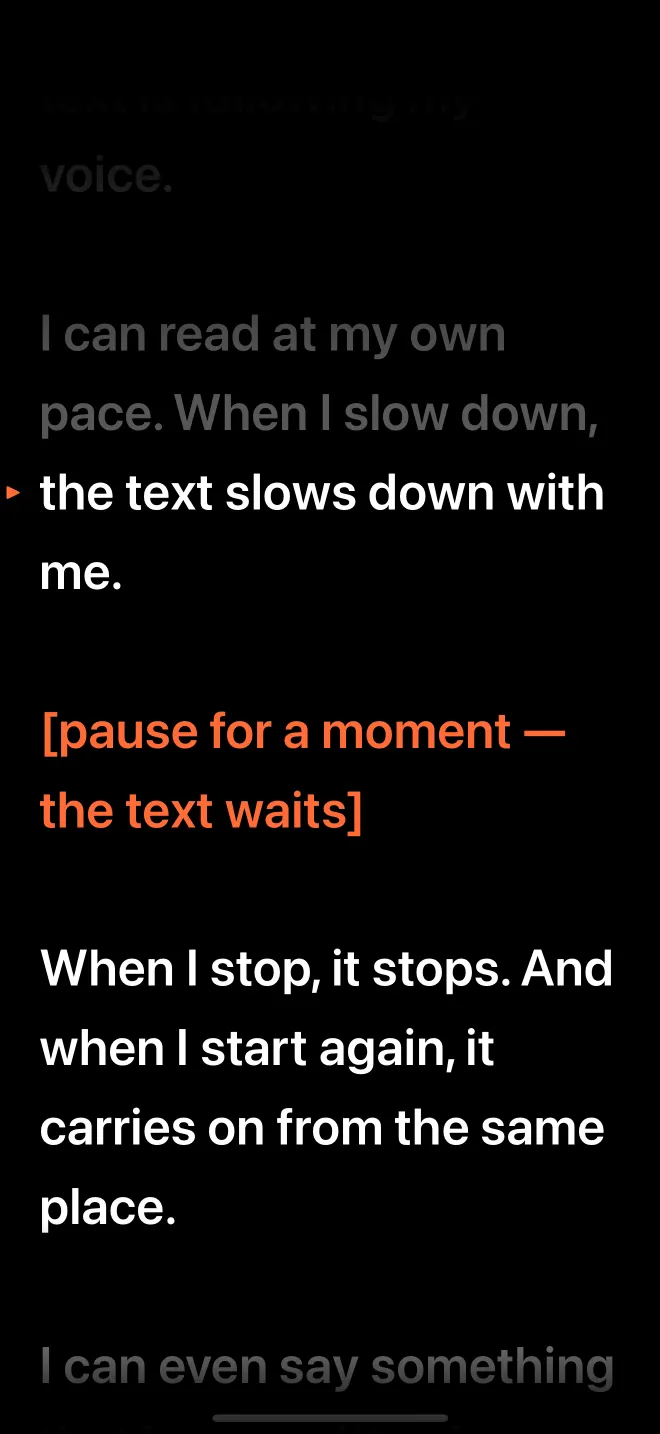
For a talking-head YouTube video or a Short, VideoPrompter records on iPhone or iPad with the script beside the lens and scrolls it as you speak. You choose the pace, stop to think without the text running away, and keep or discard each take on the spot.
First 3 sessions free · then $7.99/month or $39.99/year (7-day free trial) · iOS 26, iPadOS 26, macOS 26
Last updated
How long should a script be for a YouTube video?
At a relaxed speaking pace of about 130 words a minute, VideoPrompter's default Auto scroll speed, a minute of video needs roughly 130 words of script.
| Video length | 130 wpm | 150 wpm | 170 wpm |
|---|---|---|---|
| 30-second Short | 65 words | 75 words | 85 words |
| 60-second Short | 130 words | 150 words | 170 words |
| 5-minute video | 650 words | 750 words | 850 words |
| 10-minute video | 1,300 words | 1,500 words | 1,700 words |
| 20-minute video | 2,600 words | 3,000 words | 3,400 words |
The editor shows each script's word count and an estimated reading time. More on pacing in the best words per minute for video.
How do you record a talking-head video with it?
- Write for the ear. Short sentences, one idea each. Put cues for yourself in brackets: [show the product], [B-roll here], [smile].
- Open the recorder and pick the front camera, so the script sits just below the lens.
- Record one section per take. Read the section, stop, check the take, then keep it or discard it.
- Fix a fluff without restarting. Pause, go back a sentence with the arrow or by dragging, and say it again. Voice follow finds the repeated line.
- Save the keepers to Photos and edit them in the editor you already use.
Why voice follow suits YouTube better than a fixed scroll
Creator videos are not read at one speed. You speed up through the setup, slow down for the point, pause for a gesture, and throw in a line that is not in the script. A fixed-speed scroll punishes all of that; voice follow waits for it. When you do want an even pace, for a voice-over or a tightly timed Short, switch to Auto scroll and set the words per minute.
What it does not do
VideoPrompter is a teleprompter and recorder, not an editor. It does not add captions, cut takes together or upload to YouTube. Each take is a normal video file that you save to Photos or share.
Frequently asked questions
Can I use it for YouTube Shorts, Reels and TikTok?
Yes. Record on iPhone with the script next to the lens, save the take to Photos, and post it from the app you use.
Can I record in another camera app while reading?
Not on iPhone or iPad; there VideoPrompter records in its own recorder. On a Mac the prompter floats over other apps, so you can record with any app while reading.
Will viewers see my eyes moving?
Less than with notes beside the camera. Keep the phone at arm's length or further and use wider side margins, so the lines are short and your eyes travel less.
How many takes can I record?
As many as you like with VideoPrompter Pro. During the first three free sessions every feature, recording included, is available.
VideoPrompter
Read at your pace. The script keeps up.
First 3 sessions free · then $7.99/month or $39.99/year (7-day free trial) · iOS 26, iPadOS 26, macOS 26