The VideoPrompter team · Published · Updated Disclosure: VideoPrompter is our app. Every other app is described from its own App Store listing, checked 18 November 2026; sources are below.
The short answer
For talking-head videos and tutorials you record in takes, VideoPrompter: the script follows your voice, so you can slow down for a demo, pause, and re-take a sentence without restarting. If you want captions and editing in the same app, Teleprompter for Video or BIGVU; if you record in a camera app with filters, Teleprompter for Video, which floats over it.
TUTORIALS AND EXPLAINERS RECORDED IN SECTIONSVideoPrompter
RECORDING IN YOUR FAVOURITE CAMERA APP, OR CAPTIONS AND QUICK EDITS IN ONE PLACETeleprompter for Video or BIGVU
STUDIO-STYLE SET SPEED FOR FREETeleprompter (Teleprompter Apps Ltd)
At a glance
From each app's US App Store listing, checked 18 November 2026. VideoPrompter's facts are ours.
Free; Pro upgrade one-time or subscription ($59.99, $159.99 listed)
1
VideoPrompter
iPhone, iPad, Mac · our app
Tutorials and explainers recorded in sections
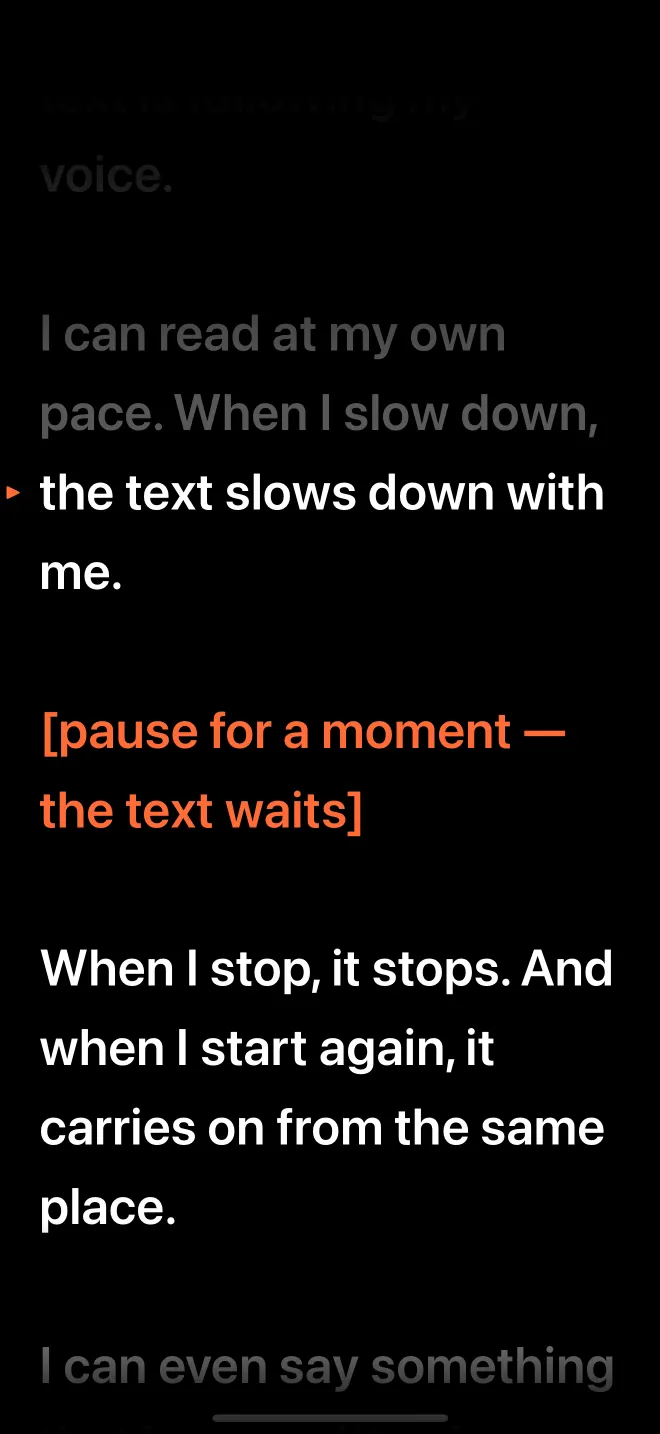
Records on iPhone or iPad with the script by the lens; each take is saved to Photos, shared or discarded; [notes] such as [show the settings] appear in orange and are not waited for. On a Mac it floats under the webcam while OBS or QuickTime records. Needs iOS 26 / macOS 26.
VoiceYes, word by word, on deviceRecordsiPhone and iPadPrice3 sessions free, then $7.99/month or $39.99/year (7-day trial)NeedsiOS 26 / macOS 26Ratings (US)New, no ratings yet
GOOD
Follows your voice word by word, on device, offline after download
33 languages in 54 regional variants, one subscription
iPhone, iPad and Mac with one purchase
Imports Word (.docx), PDF and RTF
No account; Data Not Collected
NOT GREAT
Needs iOS 26 / iPadOS 26 / macOS 26
New: no ratings yet
Does not float over other apps on iPhone; no recording on Mac
What does a YouTube creator need from a teleprompter?
Four things: text close to the lens, scrolling that tolerates pauses and re-takes, a quick way to keep or bin each take, and a price that makes sense for weekly uploads. Editing features matter only if you do not already edit elsewhere.
Pauses and re-takes: creators stop to show something, repeat a fluffed sentence, ad-lib a joke. A fixed scroll punishes all three; voice following waits.
Section-by-section recording: one take per section is easier to edit; the prompter should start where you left off.
Is a voice-following teleprompter worth it for YouTube?
If you speak to camera every week, usually yes, because it removes the two most common reasons for a re-take: falling behind a scroll and racing to catch up after a pause. If you record voice-overs to picture, a fixed speed is fine and many free apps do it. VideoPrompter has both: voice follow and Auto scroll from 60 to 260 words per minute.
Try it yourself:download VideoPrompter on the App Store. The first 3 sessions are free with every feature, then it is $7.99 a month or $39.99 a year with a 7-day free trial. One subscription covers iPhone, iPad and Mac.
Many creators who script their videos read from a teleprompter app on a phone, tablet or a glass rig in front of the camera.
Can I record YouTube videos inside a teleprompter app?
Yes, in VideoPrompter, Teleprompter for Video, BIGVU, Teleprompter.com and Teleprompter by Teleprompter Apps Ltd, on iPhone and iPad.
Which teleprompter adds captions for YouTube?
Teleprompter for Video, BIGVU and Teleprompter.com list captions or subtitles. VideoPrompter does not caption or edit; it hands you the take.
How long should a YouTube script be?
Around 140 to 160 words per minute of video for most talking-head content.
Read your own script with it.
VideoPrompter follows your voice word by word on iPhone, iPad and Mac, recognised on device in 33 languages. 3 sessions free · then $7.99/mo or $39.99/yr, with a 7-day free trial on the yearly plan.